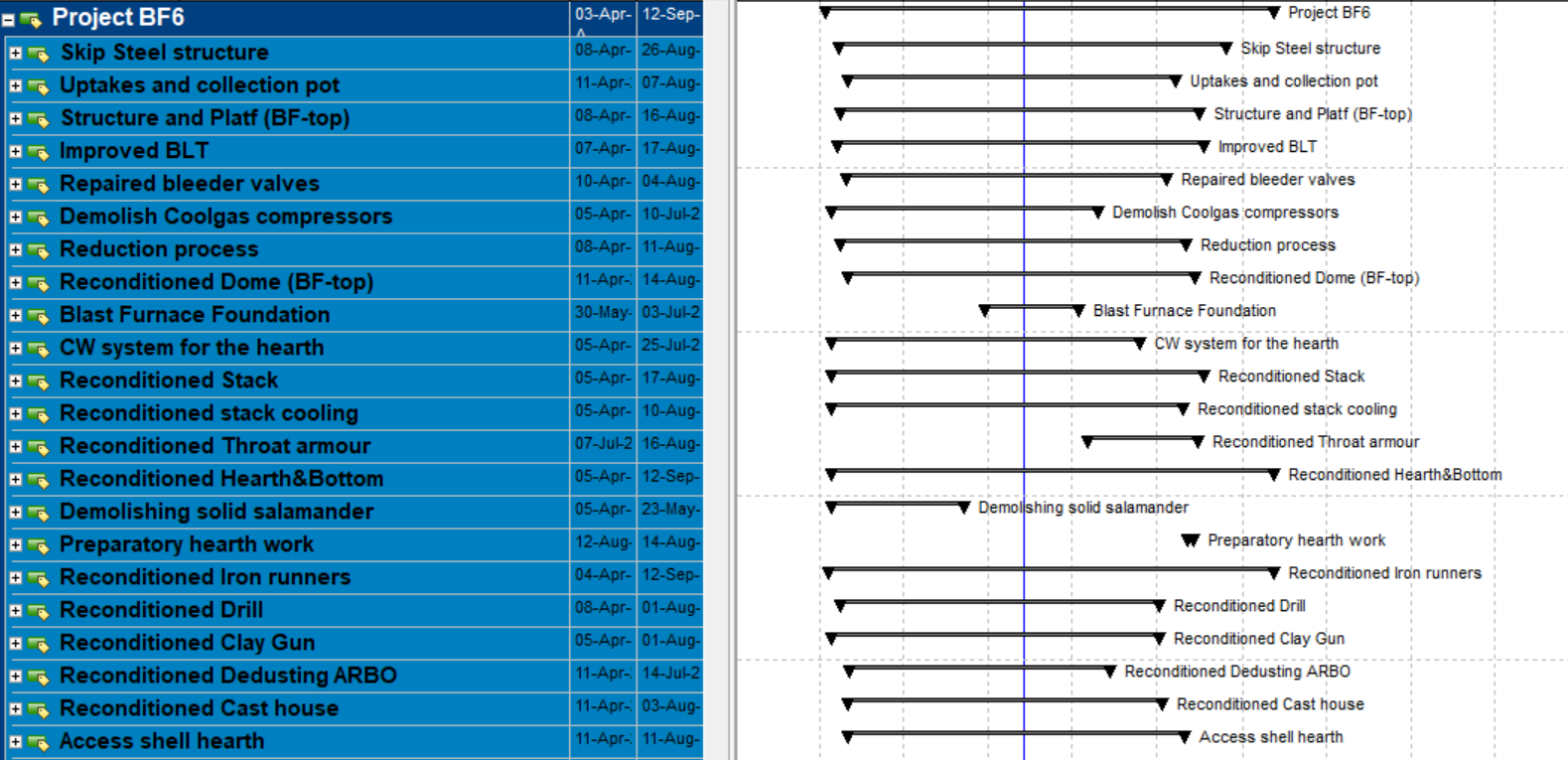
A good schedule should be structured in a way that is easy to understand, while still providing enough detail to add value for experienced personnel.
Steps to create a schedule:
- Define the work breakdown structure (WBS)
- Define milestones and activities
- Define the logic between activities
- Define resources and work
- Define working time (calendar)
- Analyse the schedule
Work breakdown structure (WBS)
One of the most relevant aspects when creating a schedule is grouping activities into work packages (WBS) so that activities are organised and have the right level of detail to facilitate management and control. The objective is to make large projects easier to manage by dividing them into work packages and processes.
Two types of WBS can be distinguished: functional structures and deliverable-based structures. Hybrid structures exist, but they are usually based mainly on one of these two types.
A functional or process-based WBS divides the project into steps or phases related to the different disciplines required to complete the project. The benefit of organising activities in this way is that the schedule is more consistent with the construction logic and the steps to be followed, normally divided into different phases.
For example: initiation, engineering, planning, execution, control and commissioning. Within each phase, a subdivision can be made by deliverable or by responsible party.
A deliverable-based WBS divides the project into the physical deliverable components required to complete it. It is very useful for helping visualise the total scope of the project and how the deliverables relate to one another.
Within the structure there are several levels depending on the planning scope and the scale of the project. Work packages are the most detailed level within the WBS. Several work packages are required to complete a single WBS element. Earned value data is usually captured at this level of detail to ensure that project status is being tracked properly.
Activity definition
Activities are the lowest level in project planning and are therefore the basic elements of a schedule. Every activity must have at least:
- ID - This is the alphanumeric code that uniquely identifies each activity within the schedule. IDs are not random. In a good planning programme, every activity must be coded.
- Name - The activity name should be short and concise, but descriptive enough to explain as clearly as possible what the activity consists of.
- Duration - The duration of an activity may be entered by the planner for activities that are not effort-driven, or calculated by the software itself based on the work to be performed and the assigned resources. In Primavera P6, hours are the basic duration unit; if days or weeks are entered, they are recalculated into a number of hours based on the calendar parameters. Very long activity durations should be avoided.
- Calendar - Every activity has an associated calendar, where working hours, working days and similar parameters are defined. In MS Project, if no specific calendar is assigned, the software will use the project calendar.
- Predecessor and successor - Every activity except the first and the last must have a predecessor and a successor so that all dates are supported by relationships rather than constraints.
- Resources - Every activity must have some associated resource, whether the responsible person, materials, equipment or required human resources. Defining and assigning resources requires a detailed analysis of the quantity of work to be performed or material to be consumed. Resources allow activity durations to be calculated, project cost to be monitored and progress curves to be generated (man-hours).
- Codes - It is advisable to define and assign codes to group and filter activities effectively throughout the project. Global Activity Codes should be used when the same codes will be used in several projects in the company's portfolio, and Project Activity Codes should be used for codes that apply only to a single schedule.
Payment milestones and contractual milestones must always be present in the schedule. There are cases where the milestones are marked first and the schedule is then requested afterwards.
Define the logic
Logic is an essential factor in a properly designed schedule, and it must be accurate and correct. Only hard logic is valid within a programme, because any other form of logic can reduce the effectiveness of the tools used and require modifications during execution. There are four types of relationships, with Finish-to-Start being the most common and the easiest to understand and apply. Three types of logic can be distinguished:
- False logic - used to arbitrarily modify the sequence of activities in a programme in order to achieve preconceived start and/or finish dates for an activity. For example, deliveries must start when civil works finish.
- Soft logic - logic used to organise activity dates based on work preference. This type of relationship should be avoided at all costs on the project critical path, otherwise there is a risk that it will change easily. For example, the installation of a building facade must finish before MEP installations can begin.
- Hard logic - creates rigid and valid links between activities. For example, the nacelle of a wind turbine cannot be installed before the tower has been completed.
Schedule analysis
Once the schedule has been completed, it must be reviewed to determine whether what has been planned makes sense based on the experience and knowledge of all technical personnel involved in the project. The main method for analysing a schedule is the critical path method. The critical path should be examined by questioning all relationships and durations of critical activities.
Once the critical path has been reviewed, it is necessary to check that there are no activities without predecessors or successors. If there are activities with constraints on the start or finish date, check whether the relationships can be adjusted to avoid that constraint.
Contractual obligations must always be met, and if they are not, it is necessary to review where the problem lies. If the date of a contractual milestone is not met and the durations, calendars and construction logic have been checked and found to be correct, the rest of the team must be informed that, according to the plan, the target date will not be achieved. In that case, resource allocation and logic must be reassessed.